FAQs - Sonder - AI Companion in SonderMind App
What is Sonder?
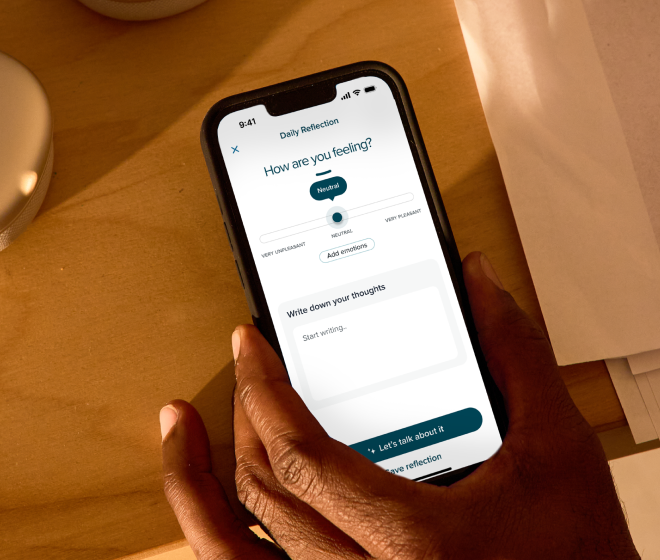
Sonder is a supportive, AI-powered tool in your SonderMind app that helps you stay connected to your therapy work between sessions. It’s not therapy or a therapist — it’s a guided space to reflect, practice coping skills, and organize your thoughts in a safe, private way.
Sonder is available to SonderMind app users age 18 and older, excluding anyone residing in Illinois.
Why is Sonder being introduced?
Many people already use AI tools to talk through emotions or get support. Sonder gives you a safer, clinically-guardrailed alternative designed to support your continuous care journey — especially between therapy sessions— with clear boundaries, strong privacy protections, and built-in safety guardrails. And while Sonder was built with active therapy clients in mind, we know it’s a valuable tool no matter where you are on your wellness journey, including for those who are not in active therapy sessions.
If I’m a therapy user, how can Sonder help me between sessions?
Sonder can help you:
- Reflect on how you’re feeling
- Get your thoughts ready for your next session
- Practice grounding or coping tools
- Stay connected to the goals you’re working toward
- Capture things you want to remember to discuss with your therapist
It's designed to supplement your therapy journey, as additional support for the days between active time with your clinician -- especially on days when live feels overwhelming or busy.
Is Sonder a therapist?
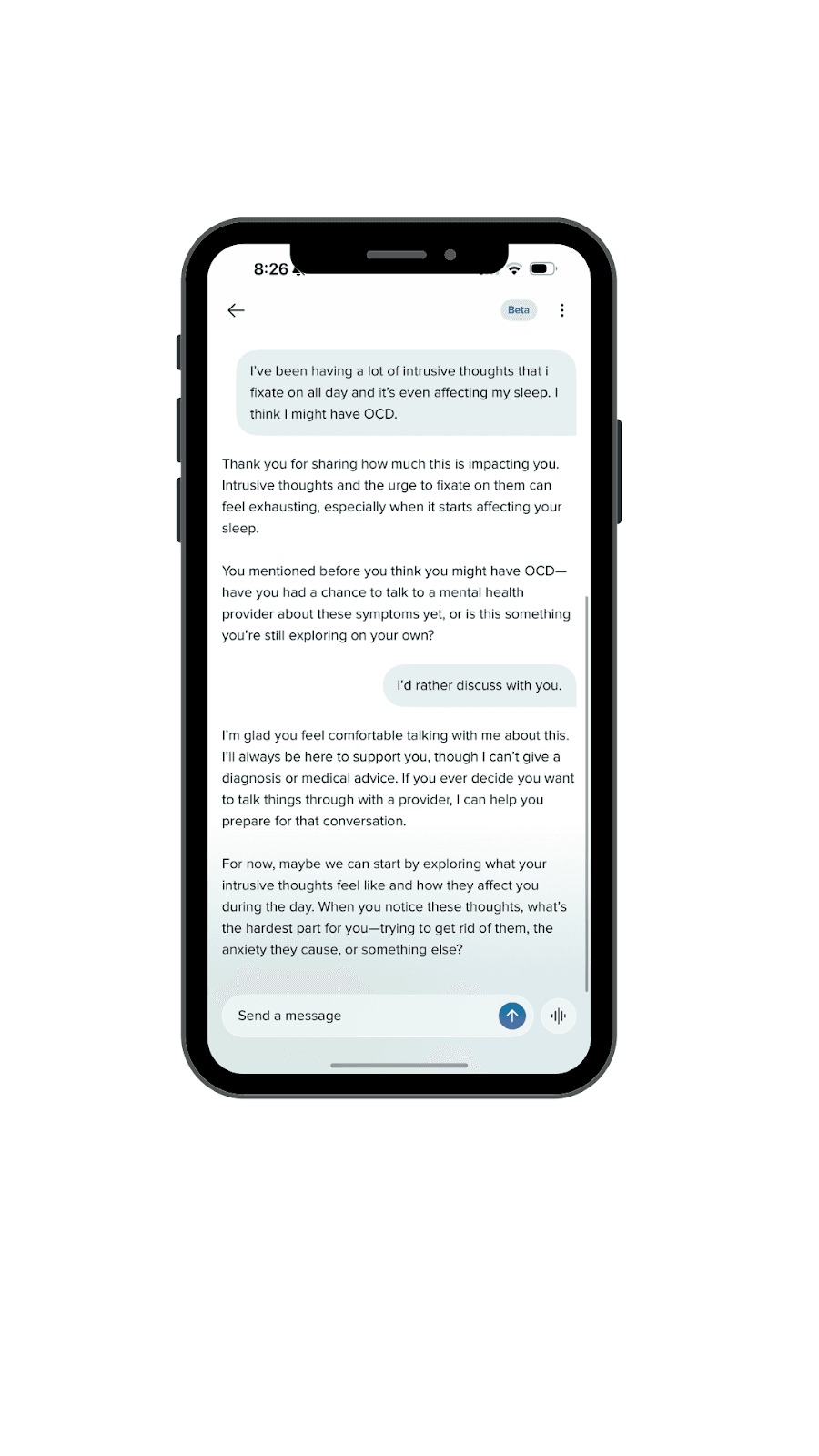
No. Sonder is not a human, not a licensed therapist, and it cannot diagnose, interpret symptoms, or provide treatment recommendations. It stays strictly in a supportive, non-clinical role. If you bring up something clinical or urgent, Sonder will:
- Direct you to emergency resources
- Encourage you to reach out to your therapist
- Stay within safe boundaries
If I’m in therapy at SonderMind, does my therapist see what I write in Sonder?
Not at this time. In the future, we may create an option for you to share messages with your provider. At this time, you are always welcome to bring your Sonder experiences into your next session.
Can Sonder help in an emergency?
Sonder will show emergency resources if you express you are unsafe or in danger. However, it cannot assess risk or provide crisis support itself.
If you are in crisis, call 988 or your local emergency number.
How does Sonder protect my privacy?
Sonder adheres to SonderMind AI Constitution, our framework for building safe, clinically aligned, and privacy-protected AI tools:
- Clinical Alignment: Sonder is designed to support your therapy work without acting as a clinician.
- Privacy & Data Protection: Your data is encrypted, carefully governed. An option to share your de-identified data can be toggled OFF.
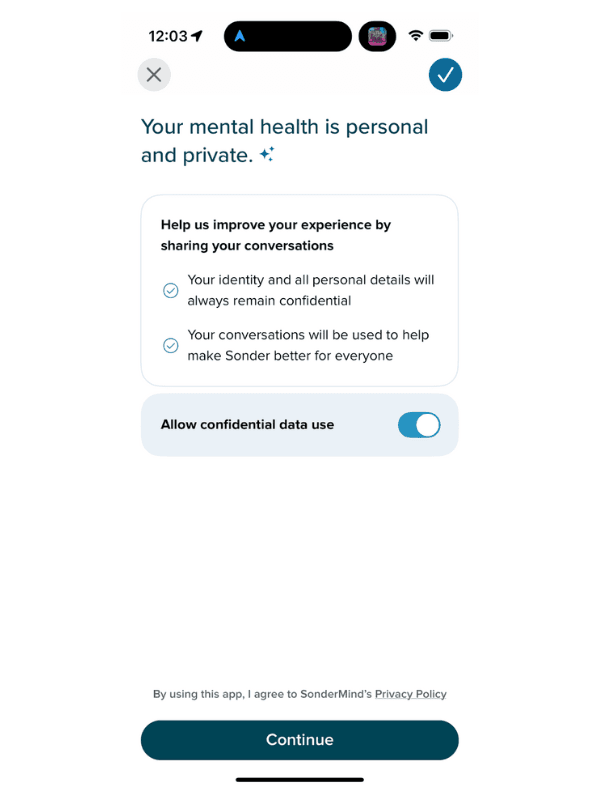
- Transparency: Sonder clearly states what it can and cannot do, including how your information is used.
- Responsible Oversight: Our clinical and privacy teams review Sonder regularly to ensure it stays safe, ethical, and aligned with your care.
Does Sonder replace therapy?
No. Sonder is designed to support therapy, not replace your therapist or the clinical care you receive. It helps you stay connected to the work you’re already doing and supports you between sessions — but real therapeutic progress still happens with your licensed provider.
How do I start using Sonder?
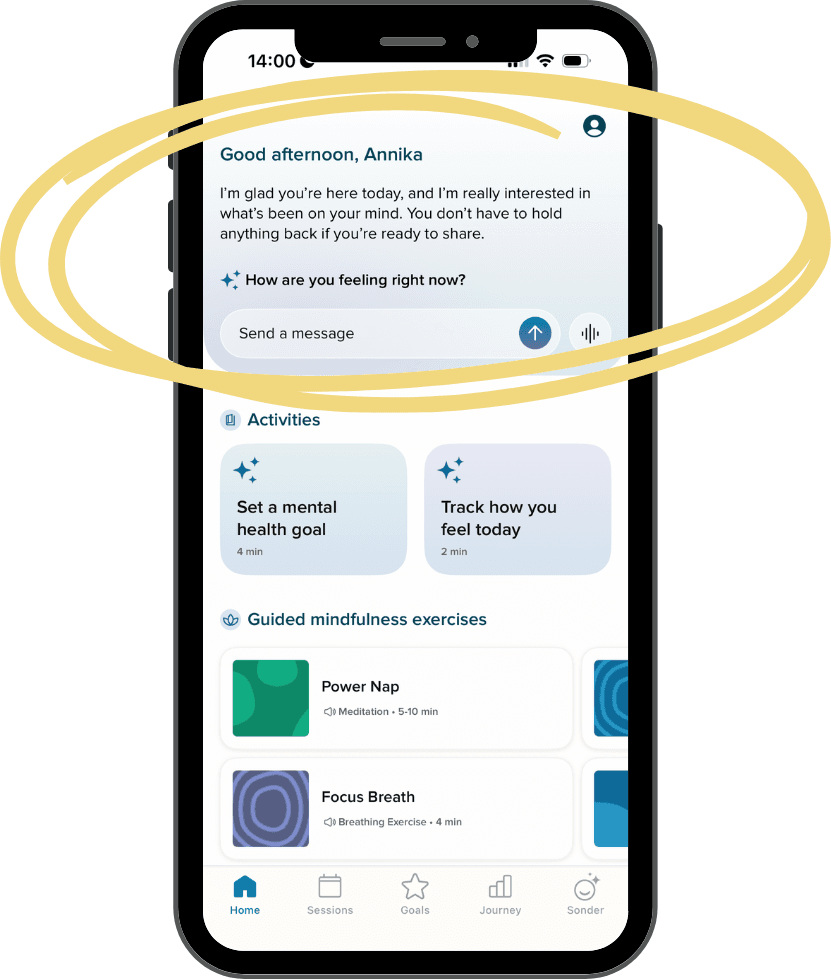
To start using Sonder, you will need to download the SonderMind app from the App Store or Google Play. Sonder will greet you at the top of your home screen. Just tap into the chat bar to start exploring, reflecting, and practicing new skills at your own pace.
Can Sonder be deactivated?
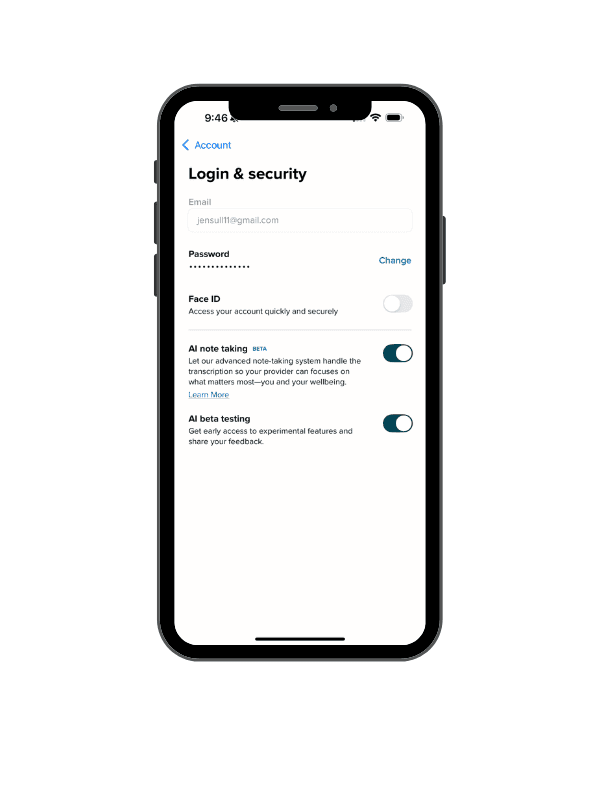
Users can turn off Sonder at any time - or turn it back on - using a toggle switch located in Account Settings > Login & Security. See image below.
Download the free SonderMind mobile app
Download the App